Make Life Lighter: Automate Your Everyday with No-Code

Today we’re diving into automating recurring personal tasks with no-code tools, turning everyday chores into reliable, click-free flows. Expect practical walkthroughs, candid lessons, and inspiring examples that reclaim hours from calendars, inboxes, and phones. Bring your stickiest routines; we’ll sketch triggers, pick tools, and launch small wins you’ll feel before lunch. Subscribe, comment, and share your experiments so we can refine, debug, and celebrate progress together.

Start Smart: Map Your Repetitive Routines
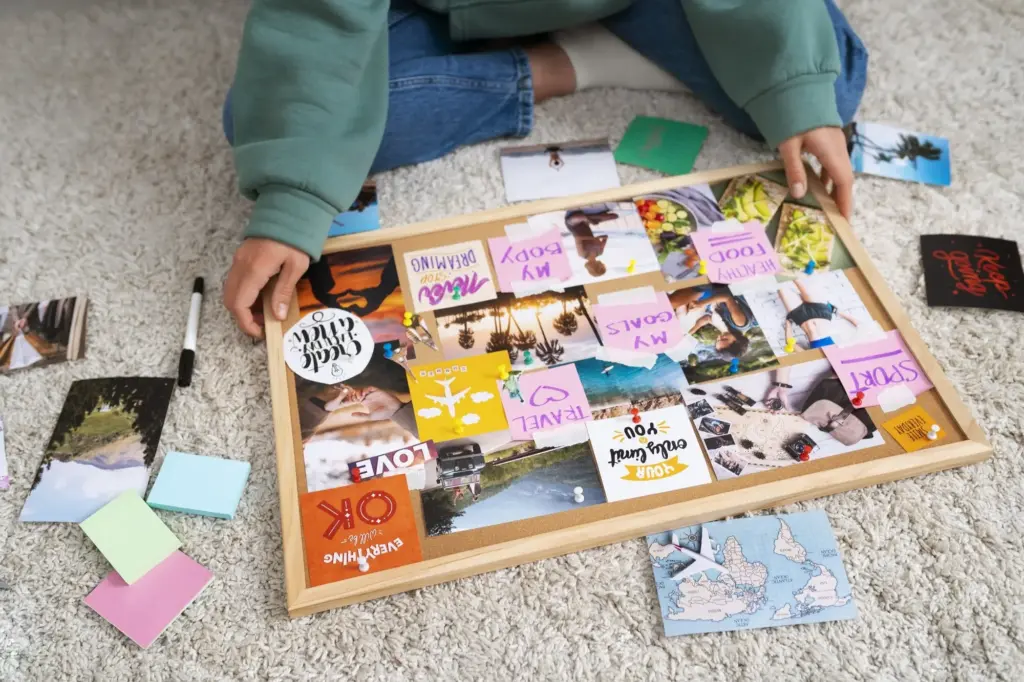
Before building anything, sketch your day like a transit map, marking stations where identical steps repeat. Identify who or what triggers each loop, the information that moves, and the result you expect. A clear diagram prevents romanticizing complexity and exposes tiny, high-value starting points.

Toolbox Without Code: Platforms That Click Together

Explore connectors that bridge your apps without scripts: Zapier for breadth and polish, Make for visual branching, IFTTT for simple triggers, n8n for self-hosted freedom, and Shortcuts or Android routines for on-device magic. Choose by reliability, cost, privacy posture, and learning curve.

From Idea to Flow: Build Your First Automation

Start with a narrow scenario and write it plainly, then translate each sentence into a block. For example, when email attachments match receipts, save them to Drive, rename, log to Sheets, and send yourself a summary. Build, run in test, document, and celebrate.

Design the Path Before You Click

Draft the flow on paper: trigger, filters, branches, actions, and notifications. Note where human approval should interrupt. Pre-collect sample data with edge cases, like missing subjects or malformed amounts. The clearer the sketch, the faster you’ll avoid block-by-block rework later.

Test Like a Skeptic, Improve Like a Craftsperson

Fire test runs with intentionally broken inputs, network hiccups, and permission denials. Compare actual outputs against expected results, then add filters, retries, or delays. Keep a changelog noting what improved and why, so future you understands context instead of repeating past mistakes.

Add Guardrails for Real-Life Messiness

Insert checks that stop runaway loops, prevent duplicate records, and catch mismatched formats. Use date windows, deduplication keys, and size limits. Send alerts that include actionable diagnostics, not mysteries. A strong safety net preserves trust when workloads spike or source systems behave unpredictably.

Personal Data, Privacy, and Reliability
Protect your accounts and dignity as carefully as your time. Store tokens securely, limit scopes to essentials, and prefer tools with transparent logging and retention policies. Plan for outages, rate limits, and vendor changes. Automation should feel invisible, never invasive or fragile.

Use Cases That Save an Hour a Day

Real wins often come from unglamorous edges: receipts organized automatically, school emails tagged and summarized, photo scans renamed, and birthdays remembered. I’ve watched a parent cut evening chaos by consolidating calendars and reminders, while a freelancer halved invoicing time by standardizing capture, naming, and logging.

Measure Impact and Keep Improving

Track time saved, errors avoided, and moments of calm. Add counters inside flows, plus a simple retrospective every Friday capturing wins, surprises, and candidates for pruning. Iterate monthly, retire brittle hacks, and double down on durable helpers. Progress compounds when improvements become routine too.

Ethics and Boundaries of Personal Automation

Convenience should never bulldoze consent or care. Avoid auto-messaging people without clarity or permission. Keep empathy, humor, and judgment where relationships live. Do not outsource apologies or affection. Use automations to remove friction around kindness, not to simulate it. Respect pauses, seasons, and privacy limits.

Keep the Human in the Loop Where It Matters

Let tools draft, sort, and schedule, but let you confirm sensitive communications, spending, and commitments. A well-placed approval step protects trust. If a message could surprise, confuse, or pressure someone, require a tap. Efficiency that damages relationships is not efficient; it is careless.

Transparent by Default When Others Are Touched

If your automations add people to lists, share calendars, or file forms affecting them, explain the process, timing, and opt-outs in plain language. Light reduces suspicion. Invite feedback and quickly correct missteps. Building with people, rather than around them, keeps goodwill intact and growing.

Pause Buttons and Seasonal Reviews

Life changes: school terms shift, projects end, priorities flip. Add easy pause toggles to flows and schedule quarterly reviews. Retire what no longer serves, before decay causes embarrassment. Intentionally pruning keeps your systems fresh, respectful, and aligned with who you are becoming now.

Morizunodaxitunopalo
Privacy Overview

This website uses cookies so that we can provide you with the best user experience possible. Cookie information is stored in your browser and performs functions such as recognising you when you return to our website and helping our team to understand which sections of the website you find most interesting and useful.